766OK Withdrawal Guide

By the end of this page you will know exactly how to submit a withdrawal request, what documents you need for first-time withdrawals, how long each step takes, and what to do if something goes wrong.

How to Withdraw from 766OK

The process takes under five minutes once your account is verified. Follow these steps in order. First-time withdrawals require a KYC check — the section below covers that in full.

  1. 1

    Log in to your account

    Open the 766OK site or App and sign in. If you use the App, make sure you are on version 2.4.9 or later so the withdrawal screen loads correctly.

  2. 2

    Open the Withdraw page

    Tap the wallet icon or go to Account → Withdraw. You will see your available balance and any locked bonus funds shown separately.

  3. 3

    Choose your payment method

    Select bKash, Nagad, Rocket, Upay, or Bank Transfer. For bKash and Nagad, type the registered mobile number you used when depositing — it must match.

  4. 4

    Enter the amount

    Minimum is ৳900. Daily maximum is ৳55,000 for Bronze members; higher tiers get a larger daily cap (see the limits table below). Do not include any active-bonus balance — the system will warn you.

  5. 5

    Confirm and wait for approval

    Tap Submit. The team reviews and processes the payment. Regular withdrawals arrive in around 3 minutes. Your first withdrawal ever may take up to 6 hours while KYC is reviewed.

First Withdrawal: KYC Documents Explained

766OK runs a one-time identity check before releasing your first withdrawal. This protects your money and keeps the account secure. You only go through it once — after that, withdrawals process at the normal speed.

Which documents are accepted

National ID Card (NID) Both front and back sides. Must show your full name and date of birth clearly.
Passport Photo page only. Name must match your 766OK account name exactly.
Driving Licence Bangladesh-issued licence. Both sides required. Expired licences are not accepted.

How to upload your documents

  1. Go to Account → Verification and tap Upload Document.
  2. Choose the document type from the dropdown, then upload a clear photo or PDF scan. File size limit is 5 MB per image.
  3. Make sure the image is taken in good light — no blurring, no cropped corners, and all text must be readable. Dark or low-resolution photos are the top reason for re-submission.
  4. Submit. You will receive an on-screen confirmation that your documents are under review.
  5. The team completes the review within 24 hours. You will get a notification once approved. After approval, your first withdrawal completes within 6 hours; every subsequent withdrawal takes about 3 minutes.

Privacy note: Your documents are stored on encrypted servers and used only for identity verification. They are not shared with third parties. You can request deletion after your account is closed by contacting Live Chat.

766OK Withdraw Processing Times

Speed depends on whether it is your first withdrawal and which method you choose. Here is what to expect.

Standard Withdrawal
~3 min
First-Ever Withdrawal
≤6 hrs
KYC Review
≤24 hrs

Bank Transfer may take longer depending on your bank's clearing schedule. Mobile wallet (bKash, Nagad, Rocket, Upay) withdrawals are almost always the fastest option.

Withdrawal Methods at a Glance

  • bKash Withdraw in ~3 min
    Min ৳900 · Max ৳55,000/day
  • Nagad Withdraw in ~3 min
    Min ৳900 · Max ৳55,000/day
  • Rocket Withdraw in ~3 min
    Min ৳900 · Max ৳55,000/day
  • Upay Withdraw in ~3 min
    Min ৳900 · Max ৳55,000/day
  • Bank Transfer Same-day to next business day
    Min ৳900 · Max ৳55,000/day

Why Withdrawals Get Rejected — and What to Do

Most rejections are easy to fix. The table below lists the common causes and the right step to resolve each one.

Rejection Reason What It Means How to Fix It
Active bonus wagering not complete You still have bonus funds attached to a 9× rollover requirement Keep playing until the wagering clears, or forfeit the bonus in Settings
Amount below minimum Request was under ৳900 Enter at least ৳900 and resubmit
Daily limit reached You have already withdrawn ৳55,000 (Bronze) today Wait until midnight (UTC+06) for the limit to reset, or upgrade your VIP tier
Mobile number mismatch The bKash/Nagad number does not match the one used for your deposit Use the same registered number, or contact Live Chat to update it
KYC not approved Identity documents not yet verified Upload documents in Account → Verification and wait up to 24 hours
Blurry or incomplete document photo Upload was rejected during the review Retake the photo in bright light, all corners visible, then re-upload
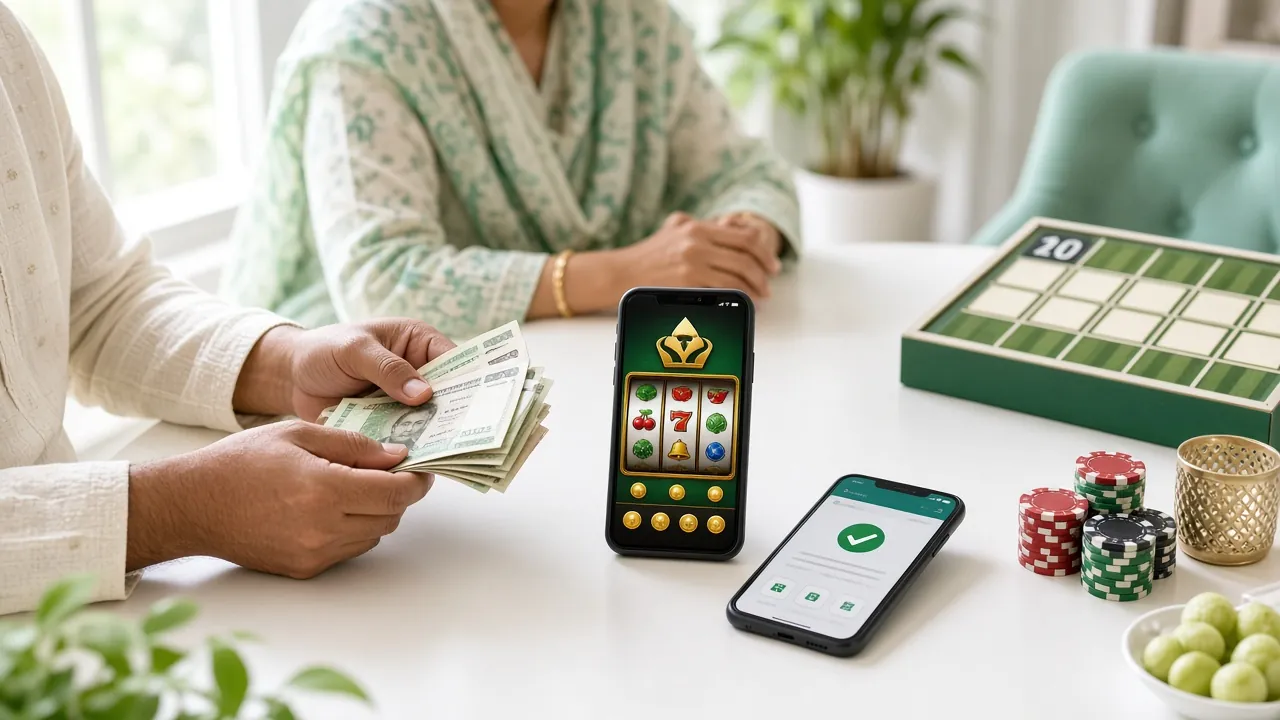
766OK mobile withdrawal screen showing bKash payout confirmation on a smartphone

Deposit & Withdrawal Limits: Every Number in One Place

All limits are per account per day and apply to your combined total across all payment methods. VIP members get higher daily withdrawal caps automatically.

Min. Deposit ৳150 Any method
Min. Withdrawal ৳900 Any method
Daily Withdrawal ৳55,000 Bronze tier
Payout Speed ~3 min After KYC cleared

766OK VIP Daily Withdrawal Caps

Your daily cap rises as you move up. Platinum members also get a personal account manager who can assist with large withdrawal requests.

VIP Tier Monthly Turnover Daily Withdrawal Cap Cashback Birthday Bonus Personal Manager
Bronze Starting tier ৳55,000 1.2% —
Silver ৳35,000+ ৳73,000 1.4% ৳600
Gold ৳1,20,000+ ৳98,000 1.6% ৳1,800
Platinum ৳4,20,000+ ৳1,30,000 1.8% ৳5,700

Keep Your Mobile Wallet Safe: What Scammers Target

Fraud attempts around online betting payouts are real in Bangladesh. Here is what to watch for and how to protect yourself when withdrawing through bKash, Nagad or any other wallet.

Never Share These
  • Your bKash or Nagad PIN — no one at 766OK will ever ask for it.
  • OTP codes sent to your phone — these arrive only for your own transactions.
  • Your account password or security question answers.
  • Screenshots of your wallet balance sent to strangers.
Safe Practices
  • Only transfer to wallet numbers shown inside the 766OK cashier page — never to numbers received via SMS or phone call.
  • Save your transaction TrxID and a screenshot after every withdrawal. Keep them for at least 30 days.
  • If you receive a call from someone claiming to be 766OK support asking for personal information, hang up and contact us via the official Live Chat inside your account.
Fake Support Calls
  • Scammers sometimes call players pretending to process a withdrawal and ask you to confirm a code.
  • 766OK support operates only through 24/7 Live Chat inside the site. We do not make outbound phone calls.
  • If in doubt, end the call and open Live Chat directly from your account to verify.
Account Security Tips
  • Use a strong, unique password for your 766OK account — not the same one as your bKash PIN.
  • Always log out after a session on a shared device.
  • Check that the URL is 766ok.bar before entering your password. Bookmark the real site to avoid phishing copies.

Questions Players Ask Before Their First 766OK Withdraw

If you do not find your answer here, the 24/7 Live Chat team can help in under a minute.

What is the minimum amount I can withdraw?

The minimum withdrawal at 766OK is ৳900. Any request below this amount will be declined automatically. There is no maximum per single transaction other than the daily cap, which starts at ৳55,000 for Bronze members and goes up to ৳1,30,000 at Platinum tier. If you need to withdraw more than your daily cap, the remainder carries over to the next day.

How long does the first withdrawal take after KYC?

Once your documents are approved (within 24 hours of submission), your first withdrawal completes in up to 6 hours. This one-time delay is because the finance team runs an extra check the first time funds leave your account. Every withdrawal after that processes in around 3 minutes to bKash, Nagad, Rocket, or Upay. Bank Transfer may take slightly longer depending on your bank.

Can I withdraw to a different bKash number than the one I deposited with?

No — for security reasons, the withdrawal must go to the same mobile wallet number registered in your account. If you need to change your registered number (for example, you switched SIM cards), contact 24/7 Live Chat with your account details and ID before submitting the withdrawal. The team will update it after verification. This policy prevents unauthorised people from redirecting payouts.

My withdrawal was rejected because of active bonus wagering. What does that mean?

When you claim a bonus, the funds come with a wagering requirement — at 766OK this is 9× the bonus amount. Until you have played through that turnover, the bonus funds are "locked" and cannot be cashed out directly. You have two options: keep playing eligible games until the rollover is met, or forfeit the bonus in Account → Bonuses (this removes the locked funds but lets you withdraw your real-money balance). Check which games count toward rollover in the bonus terms.

Does 766OK charge a fee for withdrawals?

No withdrawal fees are charged on the 766OK side. However, your mobile wallet provider (bKash, Nagad, etc.) or bank may apply their own service charge when receiving a transfer — this varies by provider and is outside our control. Check your wallet's standard receive-money fee if you notice a small deduction after the funds arrive.

What photos are accepted for KYC document upload?

Upload a clear colour photo or scan of your National ID Card (front and back), Passport (photo page only), or Driving Licence (both sides). The image must be taken in good lighting with all four corners of the document visible and all text sharp and readable. Black-and-white photocopies, heavily edited images, and expired documents are not accepted. Maximum file size is 5 MB per image. If your first upload is rejected, retake it outdoors or near a bright window for better clarity.

Ready to Play and Withdraw on Your Own Terms?

Open a 766OK account in a few minutes. Deposit from ৳150 via bKash or Nagad, claim your welcome bonus, and withdraw straight back to your wallet when you are ready.

Have questions? Download the App for instant access to Live Chat and your account anywhere.